
Can you really swap your satellite box for a faster, cheaper way to stream Croatian TV? This way, you won’t miss local news or the next Hajduk match.
This guide shows how to watch Croatian TV online using IPTV Croatia services. It works on devices found in Zagreb, Split, and Rijeka. You’ll learn to stream Croatian TV on smart TVs, Android and iOS devices, and set-top boxes like MAG and Dreamlink.
We’ll cover checking providers, finding portal URLs, and tips for MAC activation. We’ll also share simple network fixes for reliable streaming. Read on to watch Croatian TV online with confidence and avoid common setup issues.
Key Takeaways
- IPTV Croatia lets you stream Croatian TV live, sports, and VOD on many devices.
- Verify the provider’s official domain and support channels before subscribing.
- Common setups include MAG, Dreamlink, AVOV Box (TVONLINE™), and Smart IPTV apps.
- Use wired Ethernet or 5 GHz Wi‑Fi for best streaming performance.
- Keep MAC addresses, portal URLs, and login details handy for fast activation.
What IPTV Is and Why It’s Ideal to Watch Croatian TV Online
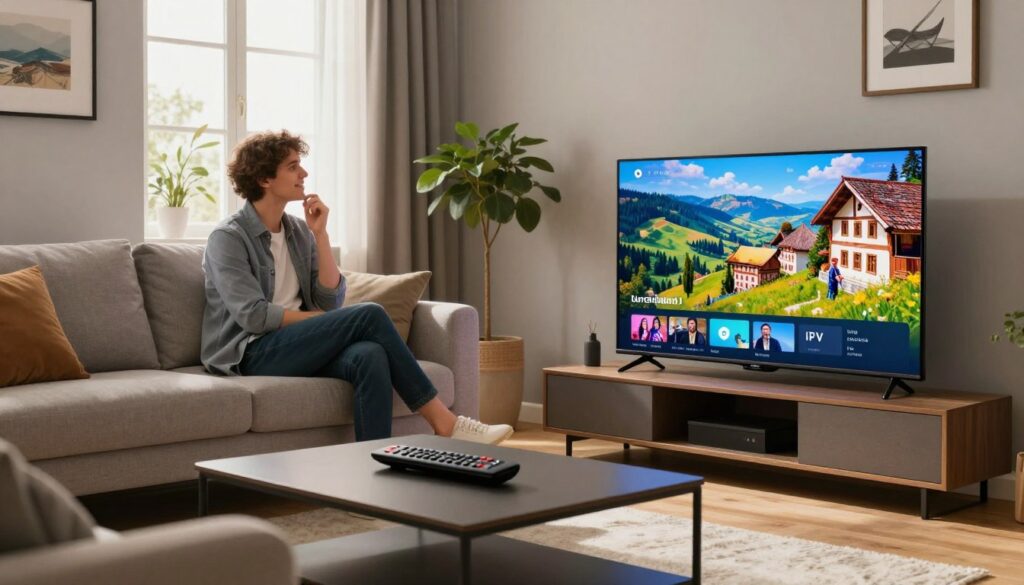
IPTV streams TV over the internet, not through satellite or cable. It offers live channels, video on demand, and more on various devices. It’s like TV that comes through your internet, with quick channel changes and low latency.
Definition and core features of IPTV
IPTV has live TV, catch-up, and video on demand. It also streams at different bitrates to match your internet speed. Providers use M3U playlists and the Xtream Codes API for easy setup. They also use regional servers to cut down on buffering and make channel changes faster.
How IPTV replaces cable and satellite in Croatia
IPTV is a better choice than satellite TV for many households. It doesn’t need dishes or frequent visits from technicians. All you need is a compatible device and a good internet connection. Plans update quickly, and switching providers is easy without needing installers.
Benefits for Croatian viewers: local channels, sports, and VOD
Croatian viewers get local channels, regional feeds, and international networks all in one place. Sports fans enjoy live HD feeds and dedicated sports packages. Families can find news, kids’ shows, documentaries, and a growing library of movies and series.
| Feature | What it Means | Benefit for Croatia |
|---|---|---|
| Live TV | Real-time broadcast streams over IP | Access to HRT, Nova TV and regional stations without satellite |
| Adaptive bitrate | Automatic quality adjustment to connection | Smoother viewing on variable home internet |
| VOD library | On-demand movies and series | Catch up on Croatian and international content anytime |
| Multiple-device support | Smart TVs, Firestick, Android boxes, mobile and desktop | Watch Croatian TV on any screen at home or on the go |
| M3U / Xtream Codes | Standard playlist and API connection methods | Simple setup and broad compatibility with popular apps |
Choosing a Reliable IPTV Provider for Croatia
Finding the right streaming service is key for daily viewing and security. Croatian viewers should look for clear pricing, fast setup, and a verified IPTV domain. A good provider will list compatible devices and offer support through various channels for safe TV watching.
What to look for: official domain, uptime, and support
Start by checking for HTTPS and a consistent domain name. Look for uptime guarantees and server optimization. Make sure activation is quick and support is available via Telegram, WhatsApp, or email.
Why verifying the official site matters (example: novaiptv.to)
Using a verified IPTV domain prevents billing errors and keeps your login safe. For example, novaiptv.to offers official setup guides and secure account management. It ensures your service stays uninterrupted and your subscription valid.
Risks of unofficial domains and how to avoid scams
Fake sites often mimic logos and have unclear plans. Some take payments and then disappear or block access. To avoid scams, check the full URL and confirm contact details. Always ask support about pricing before buying.
Devices Compatible with Croatian IPTV Services
Choosing the right hardware is key for smooth Croatian channel viewing. This section looks at common devices. You’ll find the best fit for your home and travel needs.
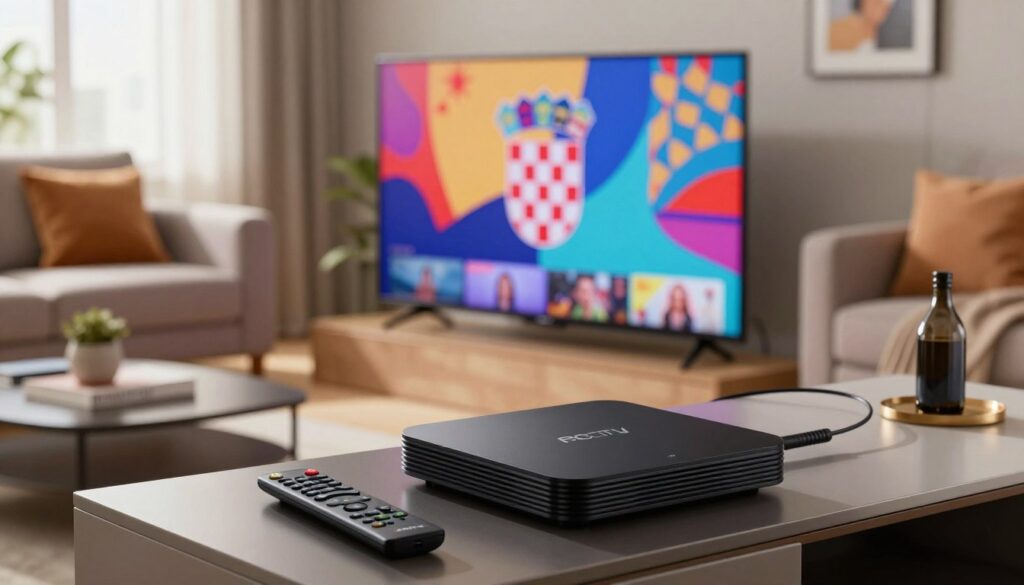
Smart TVs
Samsung and LG webOS TVs have native IPTV players and many apps. Android TV models let you install apps or sideload players. Try both native apps and Smart IPTV-style players to see which works best for you.
Streaming sticks and set-top boxes
Amazon Firestick supports Firestick IPTV apps, either from the Appstore or sideloaded. Android TV boxes offer the most flexibility. MAG 250/254/256 and Dreamlink T1/T1+/T6 boxes are also popular. Make sure your MAG Dreamlink is compatible with your provider to avoid issues.
Mobile and desktop
iOS and Android devices run many IPTV players for watching Croatian TV on the go. Windows and macOS desktops can use VLC or IPTV clients with M3U playlists for a bigger screen. This is great for travelers who need quick access to local channels.
- Check device support lists from providers when comparing IPTV devices Croatia options.
- Choose devices with reliable updates and a strong app ecosystem for long-term use.
- If you prefer streaming sticks, ensure Firestick IPTV compatibility and app performance before subscribing.
How to Set Up IPTV on Popular Set-Top Boxes and Devices
Setting up your set-top box is easy. Just follow these simple steps for AVOV, MAG, and Dreamlink. Make sure you have the right MAC addresses and portal URLs before starting.
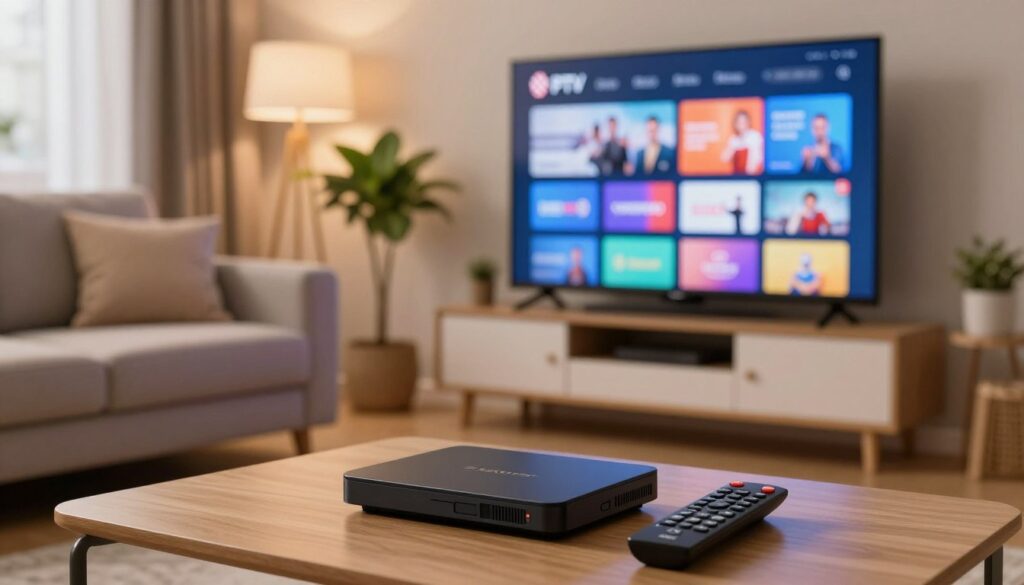
AVOV Box with TVONLINE™
Start by opening the AVOV home screen. Then, install TVONLINE™ from Market. Open the app and find Server settings to get the MAC address.
The MAC starts with 00:1A:79. Copy it and send it to your provider for activation. In Server settings, set the server name to iptvsubscription and enter the portal URL from your provider. Click Connect.
If the STB is blocked, wait for the MAC activation email. If TVONLINE™ doesn’t load, try the AVOV Web App as an alternative for AVOV IPTV setup.
MAG 250/254/256 Setup
Find the MAC address on the device label. It starts with 00:1A:79. Give it to your IPTV provider for activation. Connect the MAG to your TV and network using Ethernet or Wi‑Fi.
Set Network to AUTO (DHCP) for easier setup. Enable Auto Update Software and press the green F2 button to run updates. Set General NTP Server to POOL.NTP.ORG for accurate time.
In System Settings → Servers → Portals, enter a Portal name and paste the Portal URL sent by email. Use Reboot Portal and wait for channels to load. If channels don’t appear, recheck the Portal URL and MAC for your MAG setup Croatia.
Dreamlink T1 / T1+ / T6 and DOL Portal
Let the Dreamlink box finish booting and any firmware updates. Open the Server menu to enter portal information. Press Exit then OK to reach the Dreamlink On Line (DOL) screen.
The MAC address shows in the upper right. Provide that MAC when ordering service. In DOL, go to Settings, press the green remote button to Edit, set the portal name to iptvsubscription and paste the portal URL from your provider email. Save changes and reboot the box.
After reboot, channels and VOD should populate if the account activation completed successfully and the Dreamlink DOL portal is configured correctly.
These steps will make setting up your device quick and reliable. Keep your provider email handy for portal links and activation confirmations.
Installing and Activating Smart IPTV Apps and Playlist Methods
Setting up a Smart IPTV app is easy. First, open the app on your device. Note the device MAC address on the screen. Make sure to keep it in all capitals for registration.
The app usually comes with a seven-day trial. After that, you pay a one-time fee to keep using it.
Smart IPTV activation is simple. Just enter your device’s MAC address, paste an M3U playlist URL, and complete a captcha. Choose your country and click to add the link. Then, close and reopen the app to see the channels.
Here are some tips and a comparison to help you pick the best playlist method for you.
Smart IPTV app activation and siptv.eu steps
- Open the app and copy the uppercase MAC address exactly as shown.
- On the registration page, paste the M3U URL in the playlist box.
- Complete the captcha and confirm your country, then add the link.
- If channels do not appear, use the reset playlist option and re-add the MAC and URL.
When to pick M3U vs Xtream
- M3U playlists are great for Smart IPTV and players that accept direct URLs. They’re simple and work well for basic live TV streams.
- Xtream Codes API offers username/password/server access. It provides live EPG updates, VOD, and faster channel sync for Android apps and set-top boxes.
- Choose M3U for easy playlist support. Choose Xtream for dynamic EPG and better VOD handling in native apps.
Common activation pitfalls and fixes
- Typos in the playlist URL, extra spaces, or wrong-case MAC addresses can cause issues. Re-enter values carefully.
- Make sure the MAC format matches your device. Also, check that provider emails are not in the spam folder when waiting for activation confirmation.
- If activation is slow, refresh the channel list, update or reinstall the app, reboot your device, or switch to wired Ethernet for stability.
- Collect a transaction ID and device details before contacting support if problems persist.
The table below shows the technical differences and ideal use cases for each method when watching Croatian TV online apps.
| Method | Best For | EPG & VOD | Ease of Use | Notes |
|---|---|---|---|---|
| M3U playlist | Smart IPTV, simple players, basic set-top boxes | Limited, static EPG possible | High — paste URL into siptv.eu/mylist or app | Works well to watch croatian tv online apps that accept URL lists |
| Xtream Codes API | Android apps, native players, advanced boxes | Dynamic EPG and integrated VOD | Medium — requires server, username, password | Preferred when providers offer username-based access for faster updates |
| Smart IPTV activation via siptv.eu | Users needing a stable Smart IPTV setup | Depends on playlist type (M3U or API-fed) | High — guided web form, one-time fee after trial | Follow MAC format rules and use the reset playlist option if needed |
Streaming Performance: Network, Router, and Playback Best Practices
Good streaming starts with a clear plan for your home network. Small changes can cut buffering and speed up channel changes. Here are practical steps for reliable playback of live sports, news, and shows.
Recommended internet speeds and wired vs wireless setup
For single HD playback, aim for 5–8 Mbps per stream. Full HD and 4K need more. If your household runs multiple streams, add the speeds together and leave extra for browsing and downloads.
Use wired Ethernet when possible. A direct connection reduces packet loss and gives consistent IPTV speed for HD. When wiring is not feasible, prefer 5 GHz IPTV connections for better throughput and less interference than 2.4 GHz.
Router placement, 5 GHz Wi‑Fi and QoS for multiple streams
Place the router in a central, elevated spot away from microwaves and cordless phones. This reduces dead zones and improves signal for living-room set-top boxes and smart TVs.
Move media devices to the 5 GHz band to reserve 2.4 GHz for smart home gadgets. Many routers support band-steering to help devices pick the best radio automatically.
Configure router QoS IPTV rules to prioritize your streaming device or IPTV ports. Quality of Service keeps playback smooth during peak use. Label traffic by device MAC or app if your router allows it, such as on ASUS, Netgear, or TP-Link models.
How providers optimize servers for smooth zapping and lower latency
Top providers use regional mirrors and adaptive bitrate streaming to match buffer size with network conditions. This lowers buffering and improves channel zapping speed during big live events.
Optimized routing and continuous monitoring during peak hours reduce latency for sports and breaking news. If problems persist, ask your provider about alternate servers or route changes. They may suggest specific device settings to improve watch croatian tv online bandwidth on your setup.
Troubleshooting Common Issues When You Watch Croatian TV Online
Streaming Croatian channels can be smooth when your network and device cooperate. Small local fixes often clear most interruptions. Below are practical steps to fix channel buffering, handle activation delays, and know what to send when you contact watch croatian tv online support.
Channel buffering and slow channel change: quick local fixes
First try a wired Ethernet connection instead of Wi‑Fi. A direct cable often eliminates jitter that causes buffering.
Reboot your router and streaming device. Close background apps that use bandwidth on phones, tablets, or smart TVs.
Switch to the 5 GHz Wi‑Fi band or move the router closer to the device. Clearing the app cache or reinstalling the app can restore smooth playback. Reduce simultaneous streams on the home network when possible.
Use the app’s playlist refresh or reload channel list. These small steps frequently resolve problems without contacting support to fix channel buffering.
Activation delays, missing channels, and credential errors
Check your email, including spam, for portal URLs, M3U links, or Xtream credentials sent after purchase. Confirm the provider activated the MAC address they received from you.
Re-enter credentials carefully. Look for leading or trailing spaces and correct case sensitivity. Update the app and device firmware. For Smart IPTV, perform a playlist reset at siptv.eu/mylist/ if advised by the provider.
If channels remain missing after correct credentials, test the same account on another device. This isolates whether the issue is the device or the account.
When to collect logs and contact provider support (what details to include)
Gather concise, relevant information before contacting watch croatian tv online support. Include the transaction ID, purchase email, device model (for example Samsung, LG, MAG or Dreamlink), app name, MAC address, and the portal URL or M3U/Xtream credentials you used.
Add screenshots of error messages and a recent speed test result. Note the exact time the issue occurred and whether multiple devices show the same problem. Providers often request these details via Telegram, WhatsApp, or support email to speed up resolution.
Reach out to support when activation remains pending after local checks, credential errors persist, or multiple devices fail. Clear, complete logs help support teams diagnose issues in IPTV troubleshooting Croatia and address activation delays nova iptv more quickly.
Plans, Pricing, and How to Pick the Right Subscription for Croatia
Choosing an IPTV plan is about matching your viewing habits, device count, and budget. Short-term plans are great for testing channels and performance. Longer plans are cheaper for families who watch lots of sports and VOD.
Before buying, compare the lengths of plans. Monthly plans are good for visitors or trials. Quarterly plans are for those who want a few months to test. Annual plans offer the best value for families with many TVs and steady viewing.
Don’t just look at the price. Check device limits, HD sports availability, and the size of the on-demand library. Make sure to check activation speed and support options like Telegram, WhatsApp, or email. Also, verify nova iptv pricing and official plan details on the provider’s pricing page when possible.
Comparing durations for families and heavy users
Monthly: flexible, ideal for a quick IPTV trial Croatia or short stays. Try channel lists and device compatibility without a long commitment.
Quarterly: balance of cost and time to test stability. Good for users who want a longer test period across sports seasons.
Annual: lowest effective cost. Best for families who want steady access to channels, VOD, and fewer renewals.
What to check in every plan
- Device limits: number of simultaneous streams and allowed devices matters for homes with TVs, phones, and set-top boxes.
- Sports coverage: dedicated sports channels, HD events, and low-latency streams for live matches.
- VOD library: catalog size, catch-up features, and sorting tools; confirm whether VOD is included in the selected tier.
- Support and activation: instant activation, clear setup guides, and reachable support agents.
Using trials and short-term plans to test service quality
Start with an IPTV trial Croatia or a short monthly plan. Test multiple devices: Smart TV, Fire TV, Android box, and mobile. Run speed tests and try live sports to judge latency.
During the trial, confirm channel lists and VOD access. Note how quickly the provider responds to issues and how reliable streaming is during peak hours.
| Plan Type | Best for | Typical Benefits | Recommended Test |
|---|---|---|---|
| Monthly | Visitors, short-term testers | Flexible, no long lock-in, easy IPTV trial Croatia | Try on all household devices; check channel change speed |
| Quarterly | Regular users wanting extended testing | More savings than monthly, time to evaluate sports coverage | Test live sports and VOD over several weeks |
| Annual | Families and heavy viewers | Lowest monthly cost, fewer renewals, stable access | Verify device limits, confirm nova iptv pricing and promotions |
Conclusion
IPTV is a smart, affordable way to watch Croatian TV online. It offers live channels, sports, and VOD on various devices. This makes streaming reliable and flexible for homes in Croatia.
Before you sign up, make sure to check the provider’s official website. For example, novaiptv.to is a good place to start. Then, follow specific steps for MAC and portal activation on different boxes.
Use apps like Smart IPTV or native ones with M3U or Xtream credentials. You might need to register playlists at siptv.eu. This ensures everything works smoothly.
For the best experience, use wired connections or 5 GHz Wi-Fi with QoS. Keep your account and device details ready for support. Try a short trial first to check if everything works well. This way, you can enjoy watching Croatian TV online anywhere in Croatia.






